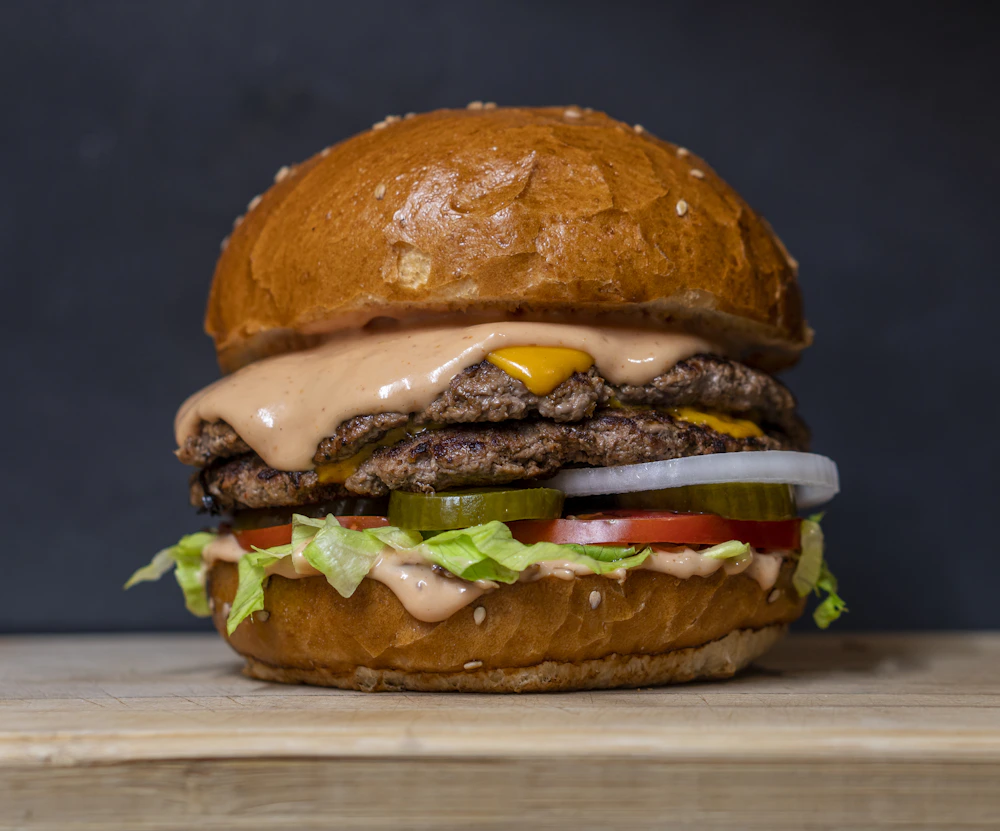
House DoubleSPSpicy
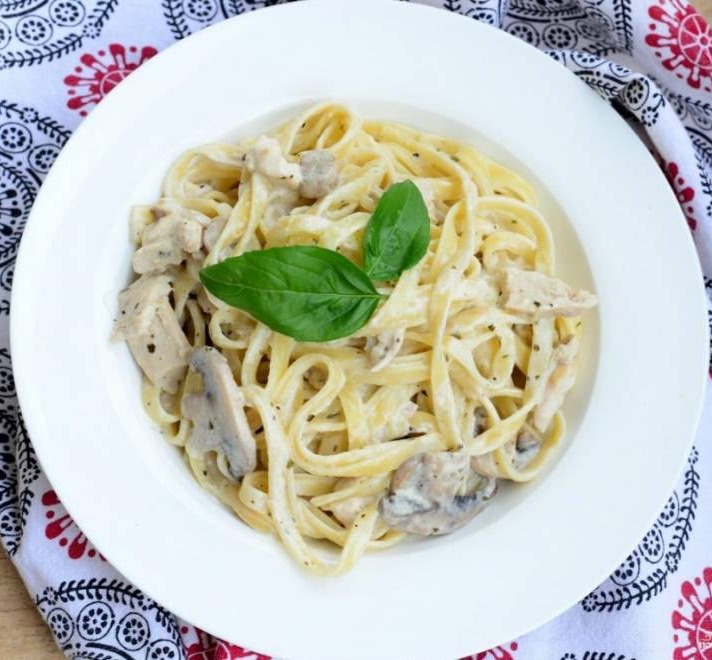
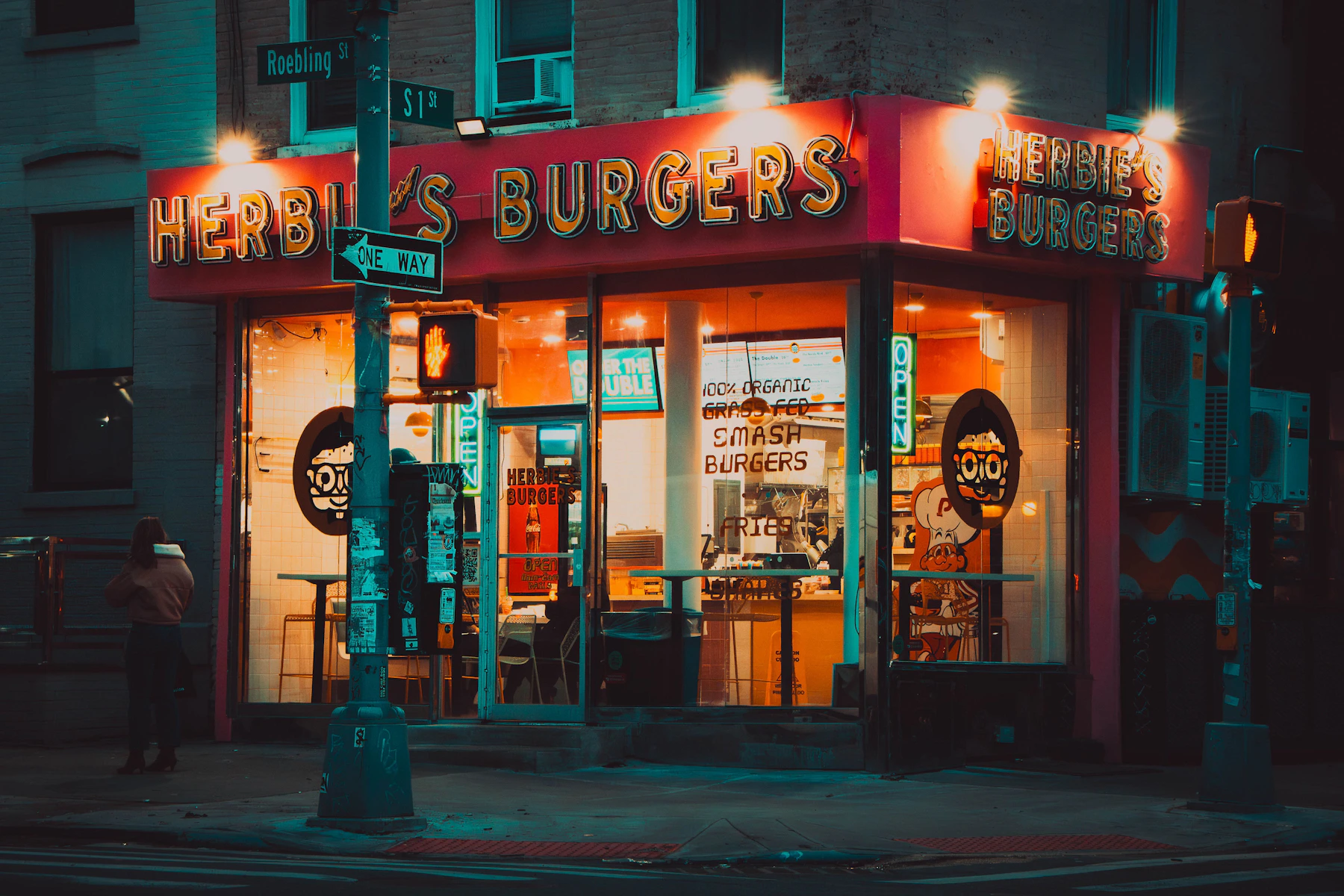
$18Two smashed beef patties, American cheese, pickles, onions and Herbie's sauce.
100% free · No credit card required
Add your dishes and prices, choose a design, generate a QR code that opens your menu on guests’ phones. Free to create and share.
Taking reservations, too?
Create your booking calendar
Preview different styles for food and drinks menus. Choose a template and customize the fonts, colors and layout for your restaurant.
A dim sum order sheet: red ink on a framed cream sheet, every section a band over a ruled table, every dish a numbered row with its price in a cell at the end.
A seventies coffee shop: a rising sun over the name, rainbow rails, fat rounded type and tilted price stickers, every dish centred.
A transit map: a station sign up top, every section a line in its own colour with a numbered badge, and every dish a stop on the line with its price at the far end.
Black, cream and brass with Art Deco frames and menu leaders.
Gallery-like whitespace inspired by ingredient-led menus.
Every template is included for free.
Browse all menu templatesChoose a template, add your menu, then save and test your QR code.
Sign up free with Google and choose a look for your restaurant.
Add dishes and prices. Customize your fonts, colors and photos.
Publish your menu, download its QR code, and test it before printing.
Guests scan your QR code with any smartphone camera. No app download required.
No premium tiers, no hidden fees, no “upgrade to unlock.” Create your restaurant's digital menu and start sharing it with guests today.
Start building your menu
A focused toolkit for taking your restaurant menu digital. Customize, publish and share—all without a subscription.
Choose Google Fonts and colors that fit your brand.
Add your logo and food photos to the menu.
Reorder sections and dishes, then save your live menu.
Download a QR code for each live menu to print or share.
Share each menu’s stable link; guests don’t need to sign in.
Guests browse dishes and prices in a phone browser—no app needed.
Add kitchen-verified dietary tags and keep allergen details current.
Create up to 10 menus, each with its own link and QR code.
Create and host up to 10 menus for free. No credit card.
Food trucks, coffee shops, bakeries and more have different menu needs. Find a practical plan for yours.
Explore venuesFollow the editor workflow, organize your dishes and prices, and check your first printed QR code before service.
Read the guideCompare phone readability, updates and printing. Learn when to use a responsive menu and when a PDF or paper copy still helps.
Read the guideWork through scan, link, publishing and phone issues before you reprint a code.
Read the guideBuild your menu with Menupresso. Add your dishes, save your changes, and share your QR code.
Get started freeFree. No credit card required.




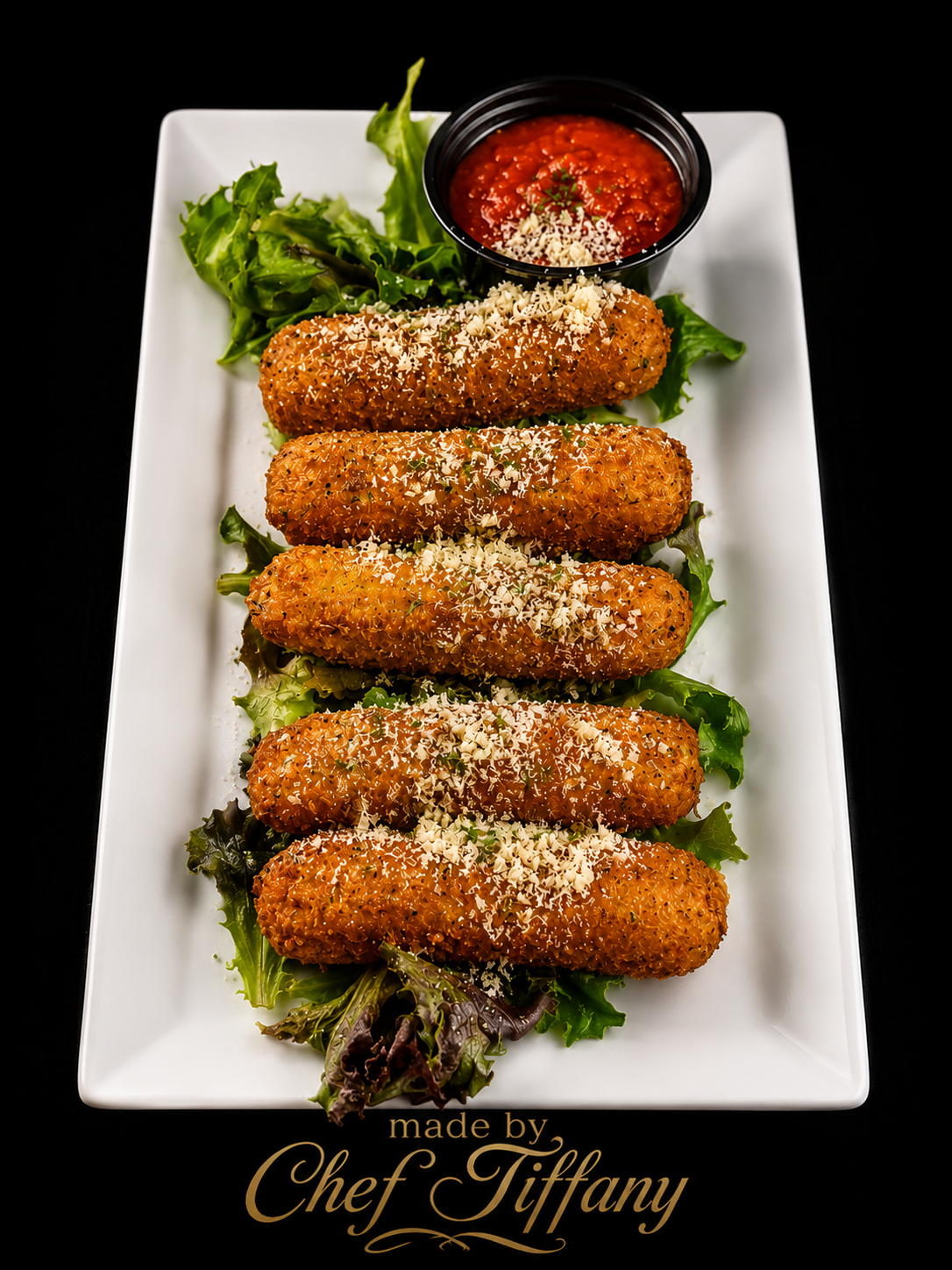
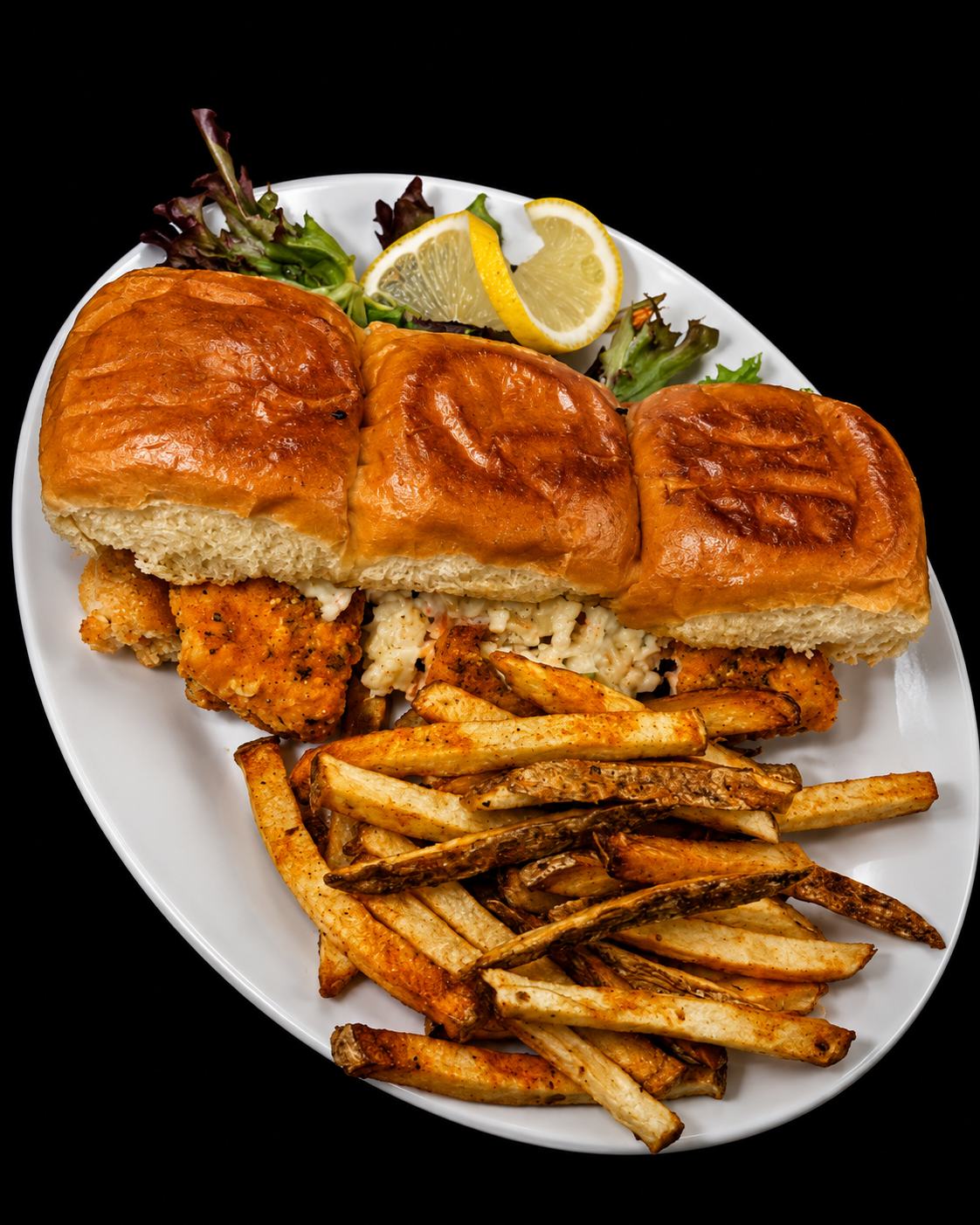
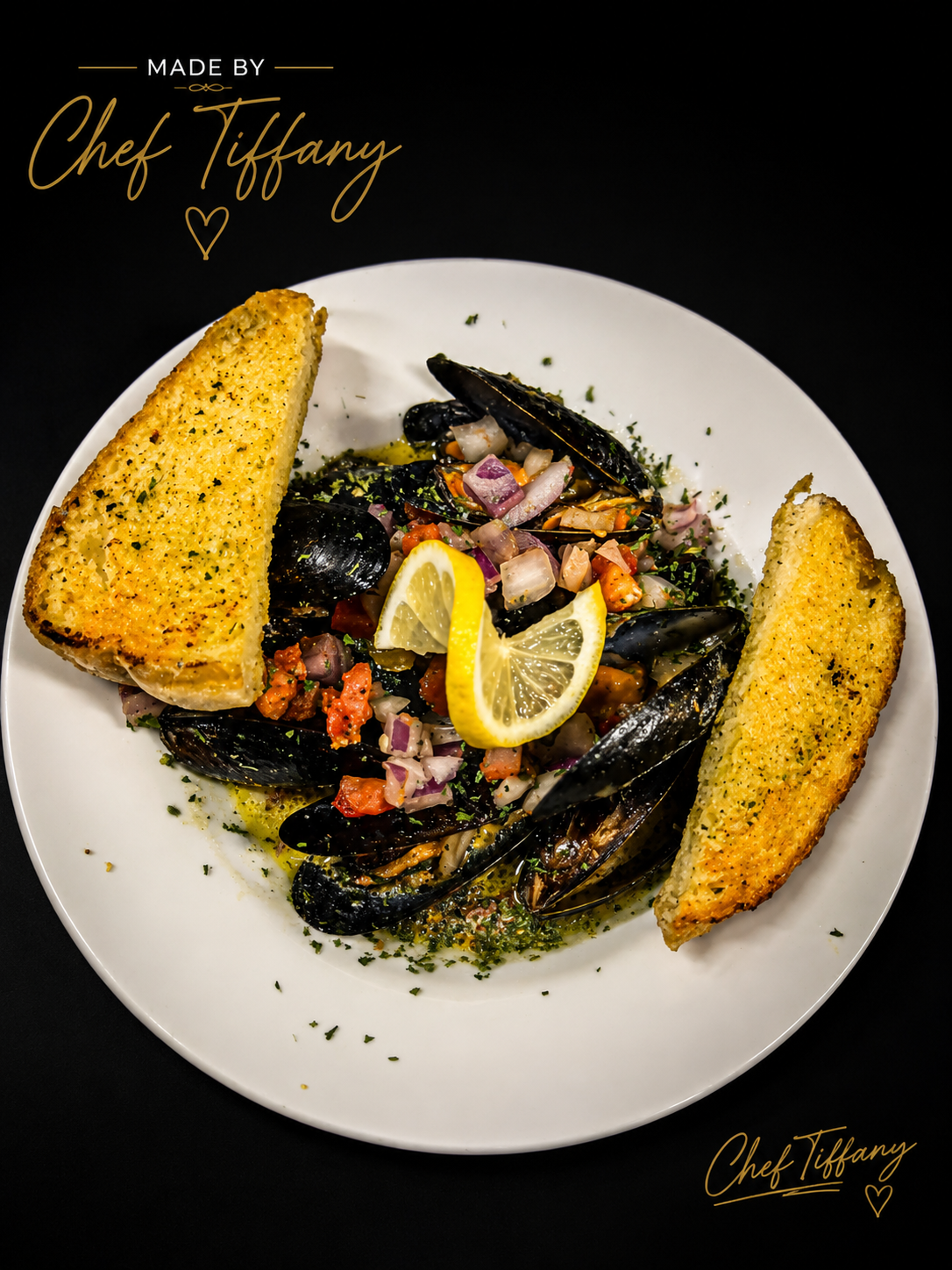
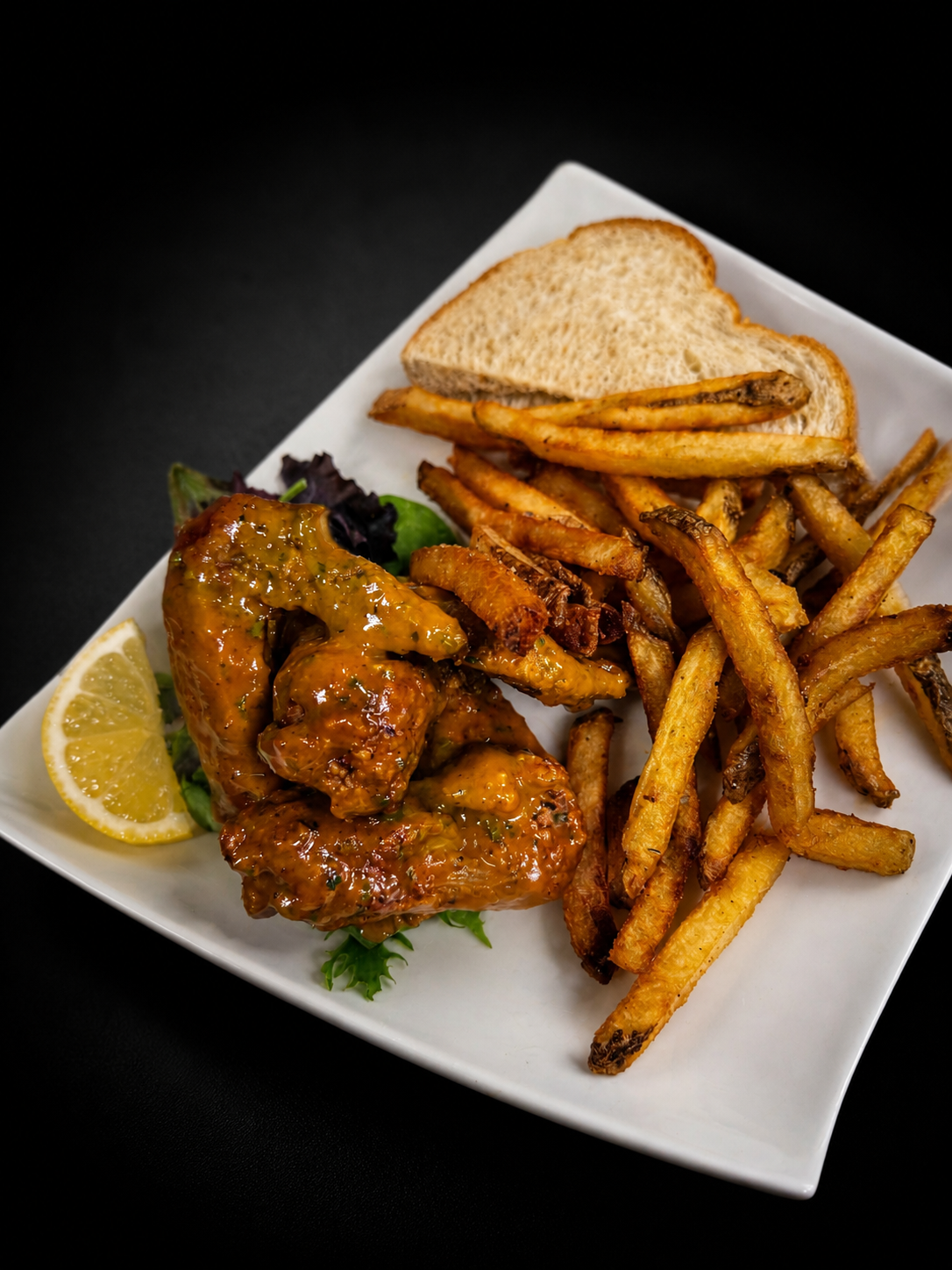
.png-1788462165451)

.jpeg-1789178213760)
.jpeg-1789178974341)
.jpeg-1789182896876)