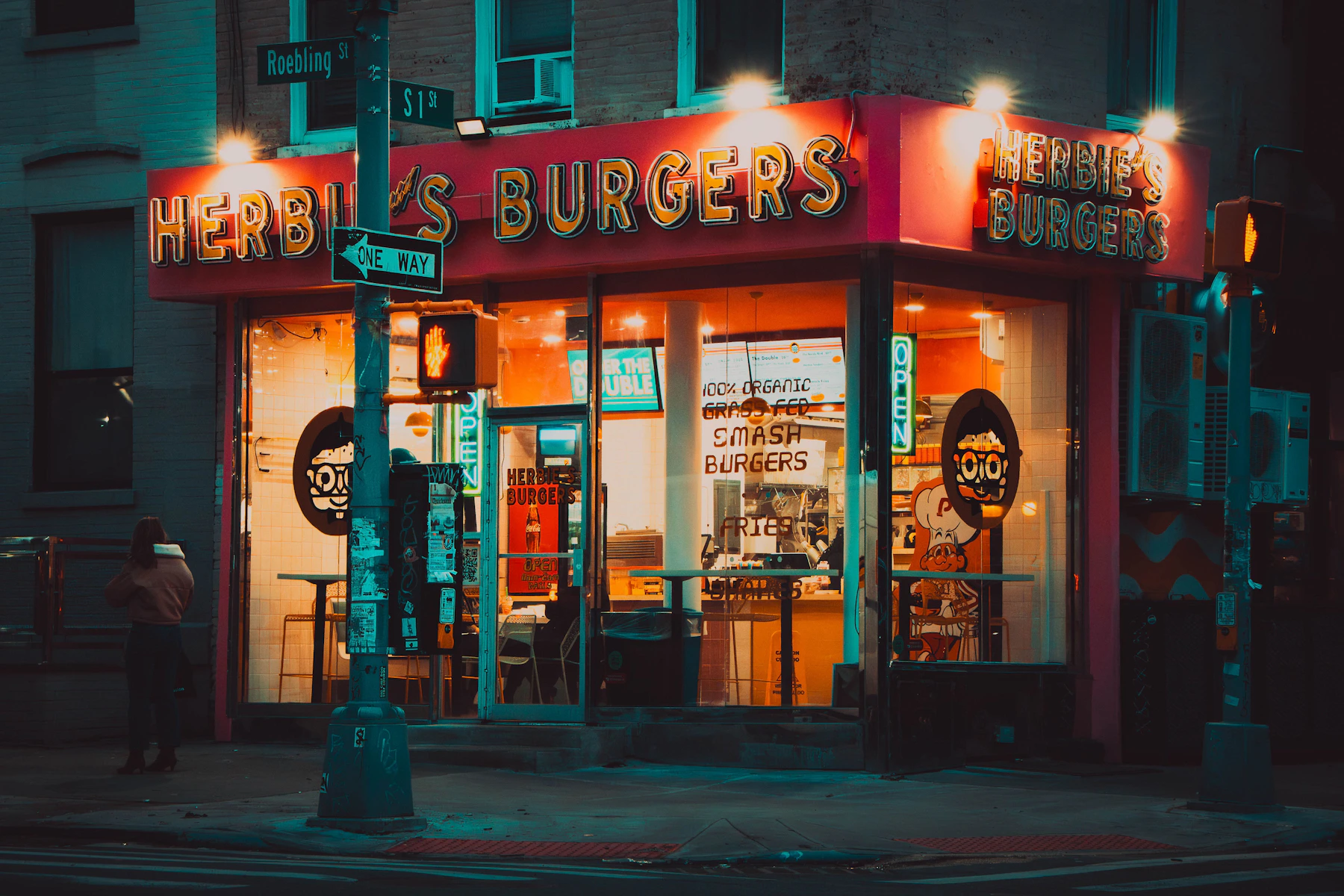
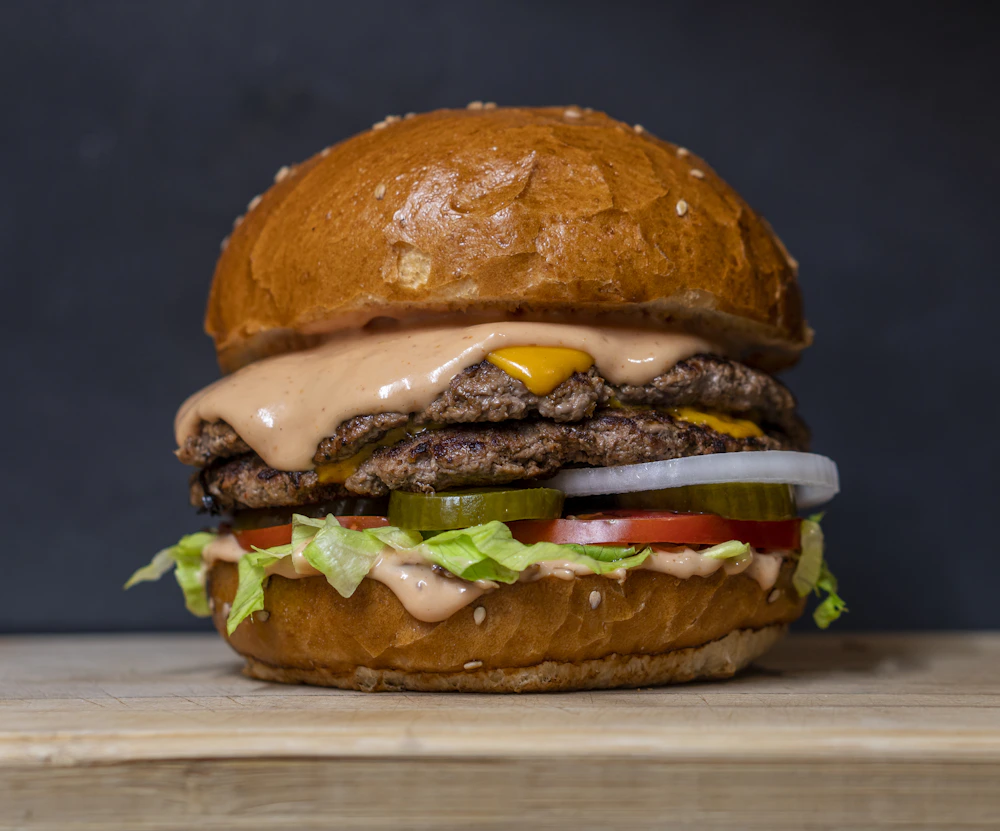
House Double
$18Two smashed beef patties, American cheese, pickles, onions and Herbie's sauce.
Spicy
Build a mobile-friendly menu, update dishes and prices at any time, and share the current version with the same QR code.
Change the price and publish the update. The menu keeps the same public link, so the QR codes already on your tables still work.
Create your menuLake trout
Cucumber · dill · buttermilk
Update item price
Visible as soon as you publish
Menupresso focuses on creating and publishing menus. Guests open the menu directly, without a marketplace account or app.
Edit a price, remove a sold-out dish or add a special. Publish the change and the menu updates at the same link used by every table QR code.
Menu updates · stable link · downloadable QR code
Choose the fonts, colors, spacing and layout. Add your logo, a header image and dish photos if you use them.
Fonts · colors · images · menu layouts
Organize dishes into clear sections, add descriptions, show multiple sizes or prices and include verified dietary information.
Sections · price options · dietary tags
Keep lunch, dinner, drinks, brunch or room-service menus separate. You can create and publish up to ten menus.
Up to 10 menus · separate links · separate QR codes
Build the menu in the same order you already think about it: food first, presentation second, then the link guests open.
Read the detailed guideAdd sections, dishes, descriptions, prices and dietary information.
Choose the fonts, colors, spacing and images that suit your restaurant.
Publish the menu, test the QR code, then place the code on tables, windows or receipts.
Change a price before dinner. Add a special during service. Hide a dish the moment the kitchen runs out. Every guest keeps opening the latest menu from the same QR code.
No credit card or subscription
Update a price, add tonight’s special or hide a sold-out dish without replacing a file.
Every code already on your tables opens the latest version of your menu.
Guests get a fast, responsive menu without pinching, zooming or downloading anything.
Choose a template, then add your type, colors, logo, banner and food photography.
Add your dishes and prices, publish the menu and test the QR code before placing it on your tables.
Free · No subscription · No credit card