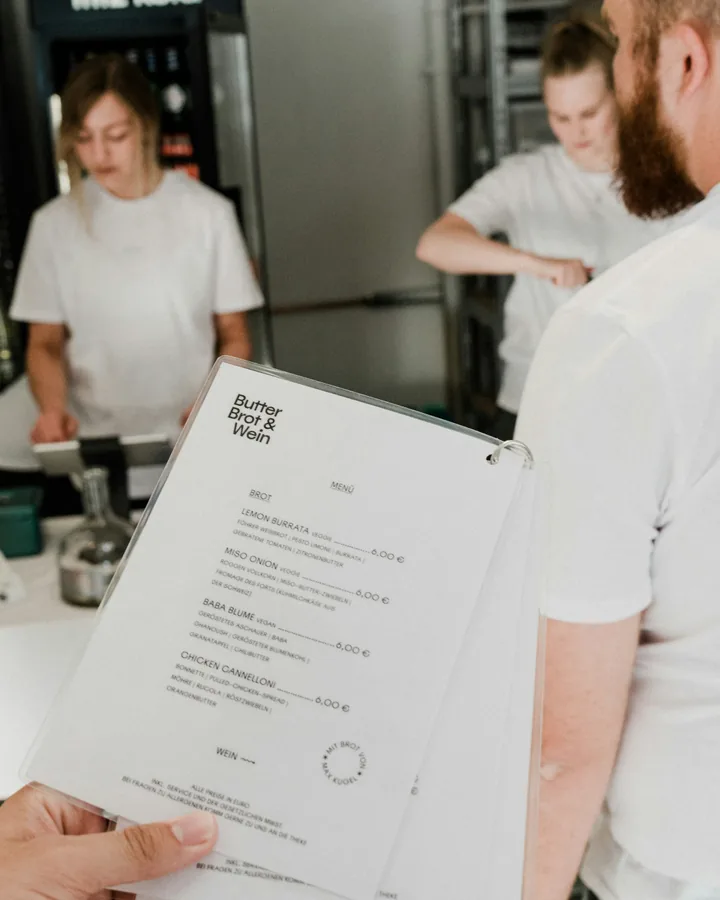
A new menu page may be easy to publish. The work continues when a dish sells out, a price changes or an old PDF turns up in a search result.
About these reports: The examples below come from linked public Reddit discussions. Posters describe their own restaurants or their experiences as diners and staff; their identities and roles are unverified. These are individual accounts, so they cannot tell us how often a problem occurs across restaurants.
One change can mean five edits
When a dish changes, the printed menu, website PDF, register, delivery apps and dining-room screen may all need an edit. Each extra location is another place an old price can survive.
“To answer your question, my most difficult aspect is manually editing the PDF before printing the updated paper menu.”
In the same discussion, another operator described updating their register, delivery apps, Yelp and website separately. Ask a builder which of those places it updates. Keep a routine for the others.
Old menus keep showing up
A fresh menu on your website cannot take back a photo or PDF that another site has copied. Guests may see an old dish or price before they find your current page.
“Every day, people call to order takeout for menu items we haven’t served in 2+ years.”
Put the current menu link where guests look first: your website and the listings you control. Date any PDFs you publish so an old copy is easier to spot. Our QR menu and PDF guide covers what each format asks you to maintain.
Even a live page can look stale to someone who leaves an old tab open. One operator who updates specials twice a day described guests asking for offers from four days earlier. Put the day and date on specials so staff and guests can spot an old offer.
The builder has to fit the routine
One operator used Canva for menu design and a separate service to show different PDF menus at different times. When they reported the host was closing, they needed a replacement that would keep the existing design work and handle specials and events. A full menu-building app would have meant changing a routine that already worked for them.
Ask to see your most common edit in a demo. If specials change by time of day, check how scheduling works. Find out whether you can export the menu and keep printed QR codes useful if you leave the service.
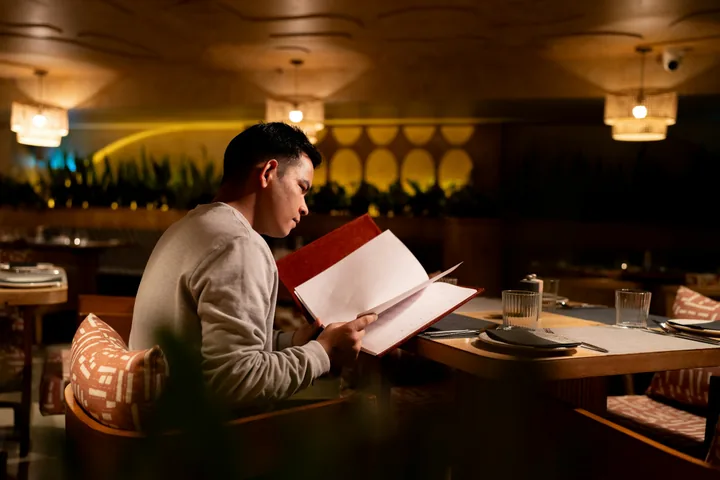
Guests still need a comfortable way to read
A full-service owner asked whether QR tools had shifted work toward helping customers with their phones. “We’re selling an experience. We’re selling hospitality!” they wrote in a discussion about restaurant tech.
Another owner keeps printed beer menus beside a QR version because many of their guests ask for paper. A food-truck operator keeps laminated menus and a sandwich board because sun glare can make a phone hard to see. Try the menu where guests will use it: at the table, on the street and on the devices they bring.
Offering paper alongside QR gives staff an easy answer when a guest has no phone, a flat battery or simply wants to put the screen away. Keep both versions in the same update routine.
Small screens can hide important details
A diner in a menu discussion said QR menus were hard to navigate with dyslexia or poor eyesight, especially when the menu ran across several pages. A phone-sized PDF that needs pinching and panning can make a long menu feel longer.
Let someone unfamiliar with your menu use it on a small phone. Watch them find a main, its price and its ingredients. See what happens when they enlarge the text, and whether they can browse before starting an order. Our QR menu troubleshooting guide covers the first scan, too.
A Japan-based operator described another need: tourists and staff struggled to discuss menu items and allergens across languages. Photos and translated descriptions can help guests ask better questions. Have the kitchen check ingredient details and ask a fluent person to review translations before publishing them.
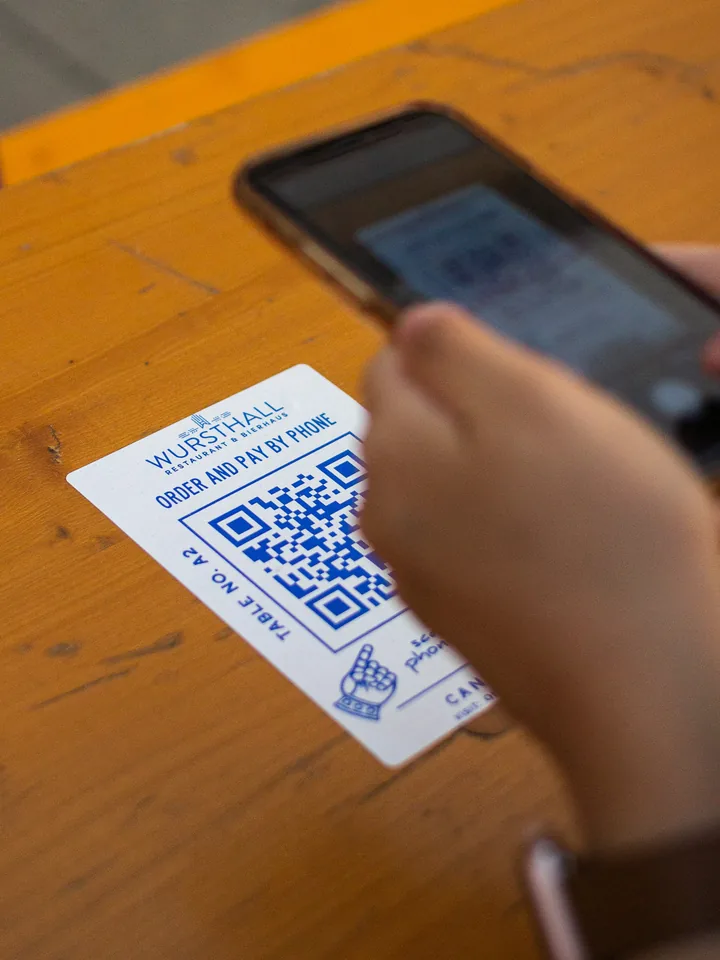
QR ordering brings a different set of questions
A QR code can open a menu for reading. Some systems also take orders and payments. If guests order from their own phones, the kitchen must receive the right tickets and know when each course should go out.
“The disconnect between different orders from a table or group means sometimes food comes out at way different times.”
If you want guests to order by phone, try a group order from one table and check when each course reaches the kitchen. Ask staff what they do when a ticket goes missing.
Some venues find a good balance
A casual bar with frequently changing food and drinks reported that its QR menu made updates easier. Staff still had printed menus ready for anyone who wanted one.
“A few clicks on the computer and everything is current.”
That bar updates its menu often and keeps paper available. A food-truck operator in another discussion said QR ordering worked well for their customers. Both accounts describe individual venues; your guests may respond differently.