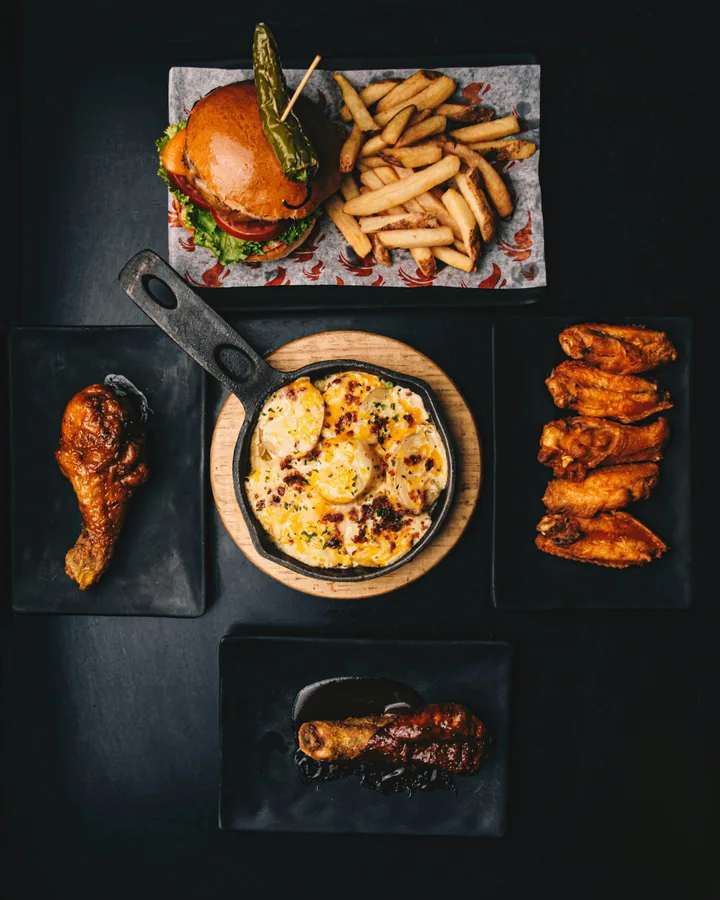
What one food-truck operator saw
In a discussion about photos on food-truck menus, one operator reported seeing more orders for dishes shown in photos after changing their menu:
“We just changed our menus and the photos on them, and everything now in a photo is getting ordered way more.”
It's one account from an unverified poster. They changed the menu and the photos together, so we can't tell what drove the extra orders.
Explain what the photo can't
Another operator in the same discussion said some customers expected a “soft shell” taco to come in a flour tortilla. Their truck served it in a flash-fried corn tortilla. A photo and a clearer description helped set expectations before people ordered.
For a taco like that, “flash-fried corn tortilla” beside the name would answer the question immediately. Think about what your guests ask most often: the sauce, the side or the portion size. Put that detail beside the dish and its price. Check ingredients and allergen information with the kitchen before publishing it; a photo cannot answer those questions reliably.
Choose photos that answer a real question
Look for dishes that guests ask staff to explain, dishes with unfamiliar names, and favorites whose shape or size matters. Those are useful starting points for photos. For a short menu, showing every dish may work well. On a long menu, a few carefully chosen images can leave more room for names, prices and descriptions.
If you can photograph only a few dishes, ask staff which ones they explain most often. Start there. Operators in the food-truck conversation use everything from one photo per dish to a handful of selected images; the right amount depends on the menu.
Photograph the plate you actually serve
Use the portion, toppings and packaging a guest will receive. The photo should look like the dish guests can actually order. Use photos of your own food on your restaurant menu; the photos in this article illustrate the discussion.
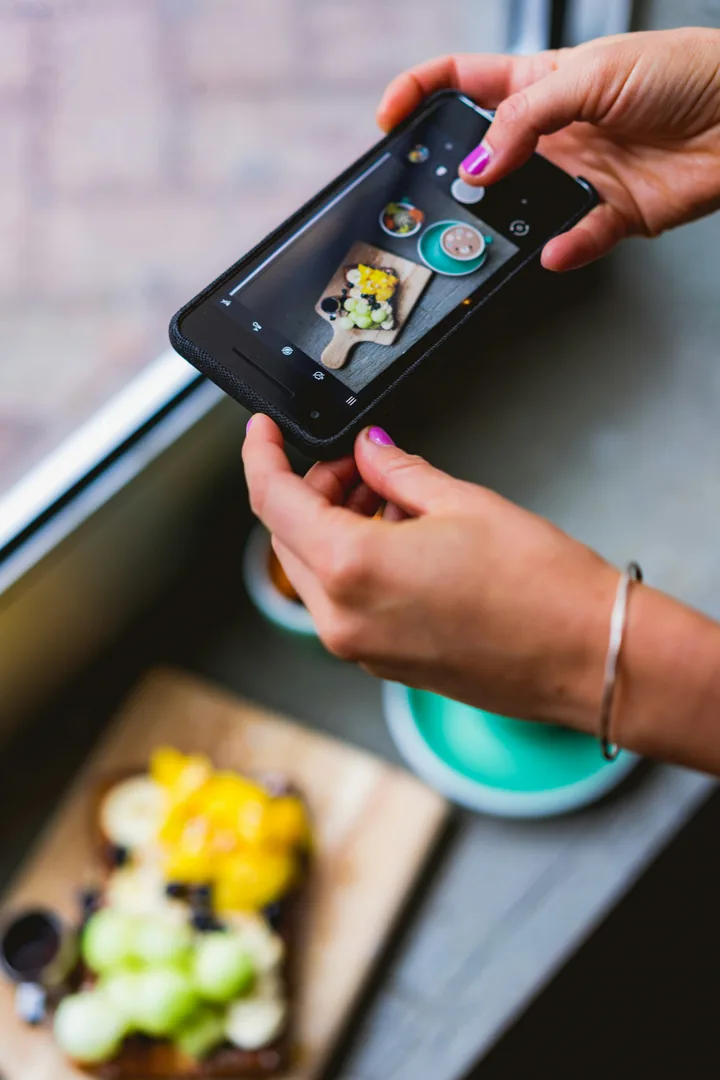
You can start with a phone. Put the food near a window, clear distracting objects from the background, and take several shots before it loses its fresh look. Keep the angle and lighting similar across dishes so the menu feels consistent. Check the final crop at the size guests will see, especially on a phone.
Check the menu where guests use it
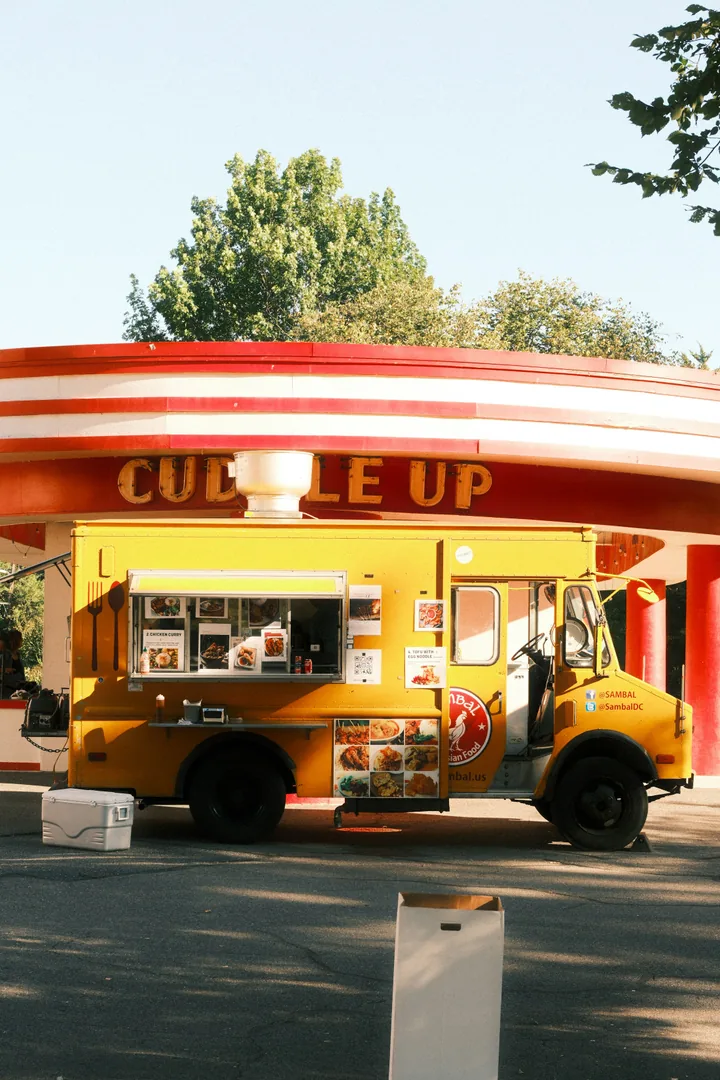
At a food truck, someone may read the board from several steps away. At a table, they may hold a printed menu. On a QR menu, they may scroll with one hand on a small screen. In each place, keep the dish name, image, description and price close enough to understand as one choice.
Stand where a customer stands and try to read the board. Then open the online menu on an ordinary phone. Check whether the photo loads quickly, the price is visible and the description is readable without zooming. Let guests browse the food before they have to begin an order.
Watch what happens, then keep it current
After adding a photo or changing a description, ask staff what guests point to and which questions they still ask. You can also watch whether the dish sells more often, while remembering that price, placement and specials can affect orders too.
When the portion or toppings change, take a new photo and edit the description. Update the board, printed menu and online page together. Our article on problems owners report with digital menu builders covers how old menu copies can confuse guests.